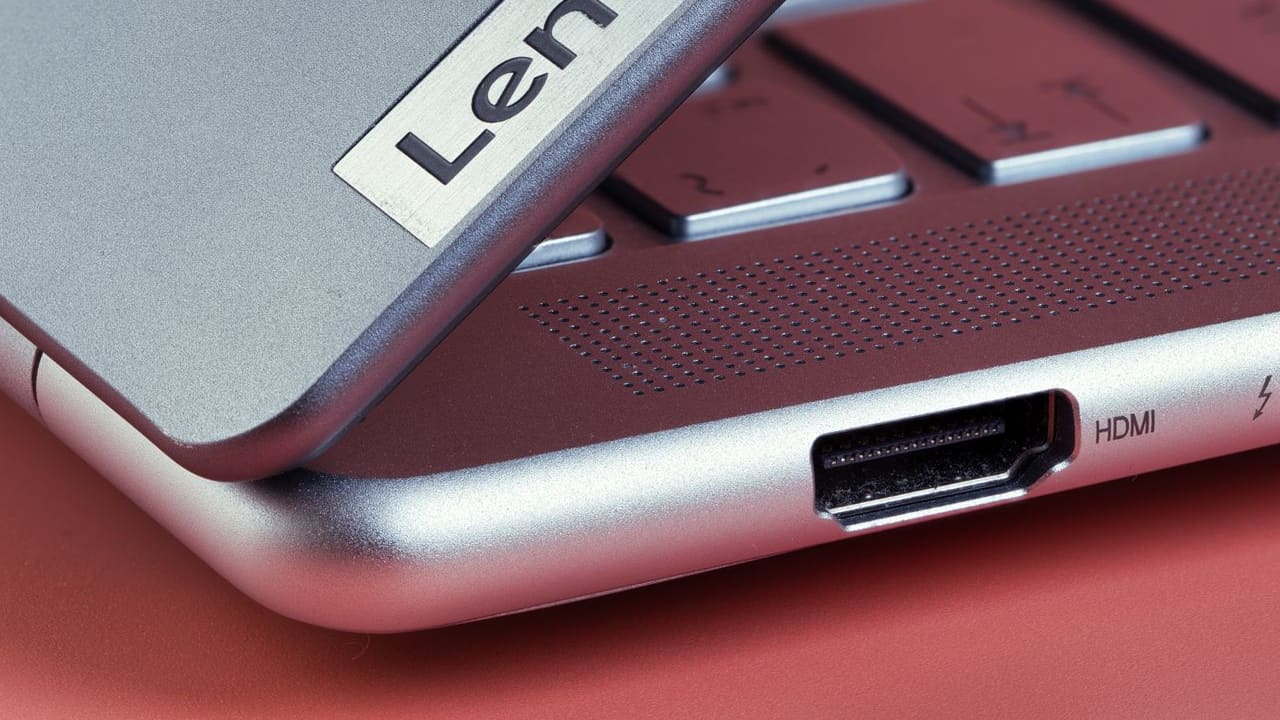
HDMI ports break when cables are pulled sideways or the laptop is moved while connected.
1. Look inside the port with a torch for bent pins or broken plastic.
2. If the picture cuts out when the cable moves, the port or its solder joints are damaged.
3. On many laptops, the HDMI port is soldered to the main board and needs careful board work to replace.
4. A USB-C to HDMI adapter can be a quick workaround if the laptop's USB-C supports video.
Unplug HDMI cables before moving or closing the laptop.