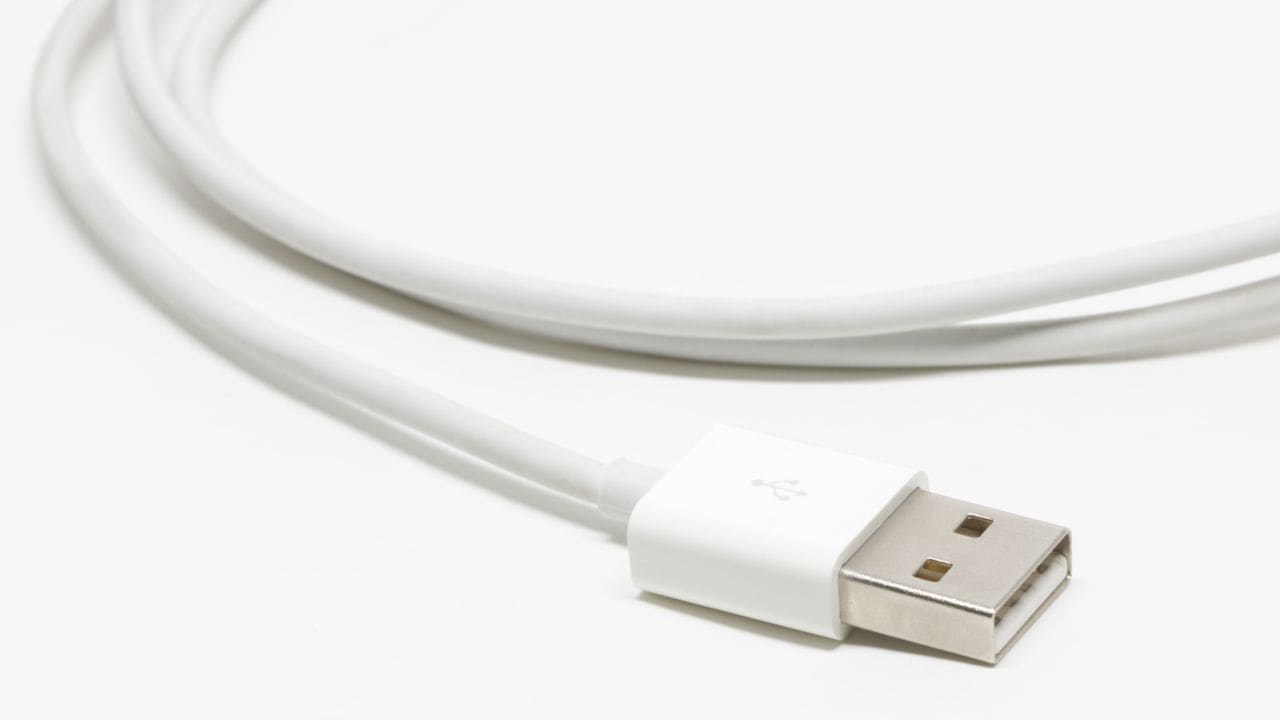
The "accessory may not be supported" message usually means a cheap cable, dirt or a worn port.
1. Try an original or certified (MFi) cable.
2. Clean the Lightning or USB-C port with a wooden toothpick. Lint is very common.
3. Check the cable's plug for dirt or damaged contacts.
4. Restart the iPhone.
5. If the message also shows with good cables, the port may be worn or corroded and needs replacing.
Cheap uncertified cables often work for a while, then fail after an update.