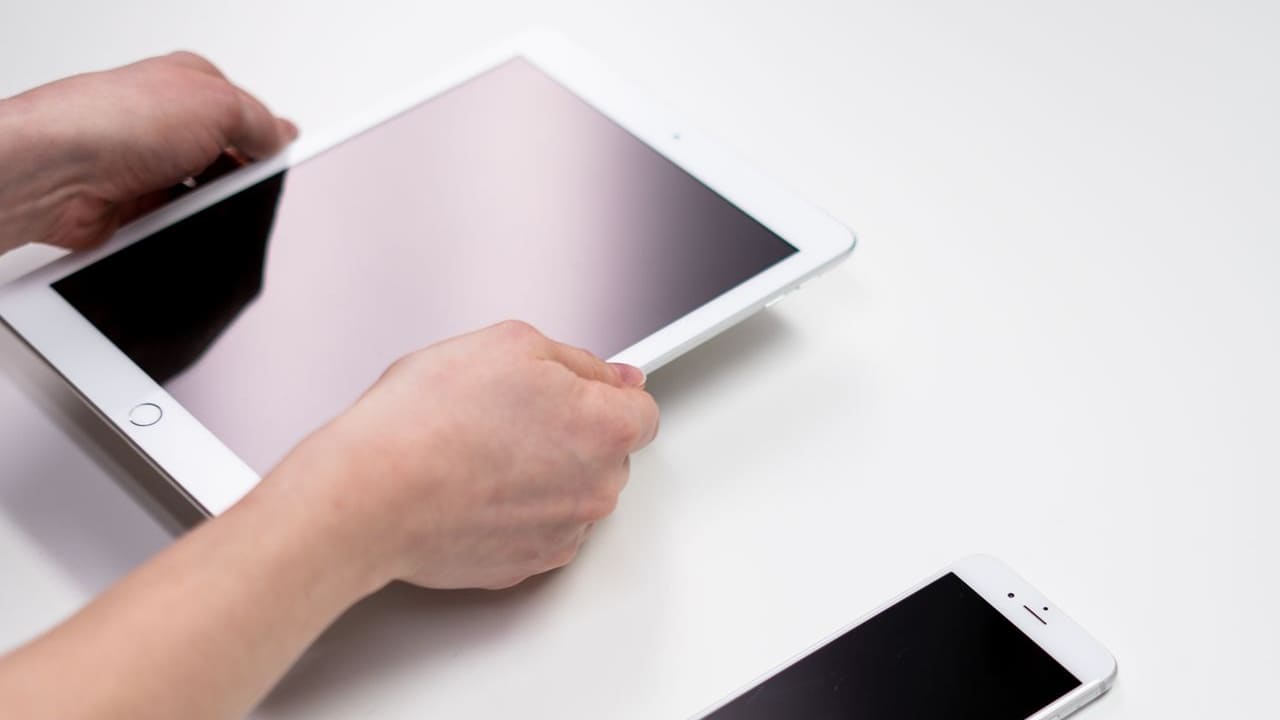
An iPad that won't respond to touch in some areas, or taps by itself after a drop, usually has a damaged touch glass or connector.
1. Remove the case and screen protector and restart the iPad.
2. Check for small cracks at the corners. A tiny crack can stop touch in a whole strip.
3. On older iPads with separate glass, replacing the touch glass fixes most touch faults.
4. On newer iPads with the glass and display bonded, the whole screen needs replacing.
5. If touch fails after a repair, check the connector is fully seated.
Note that some iPad models have touch circuits on the board, so heavy drops can cause board faults too.