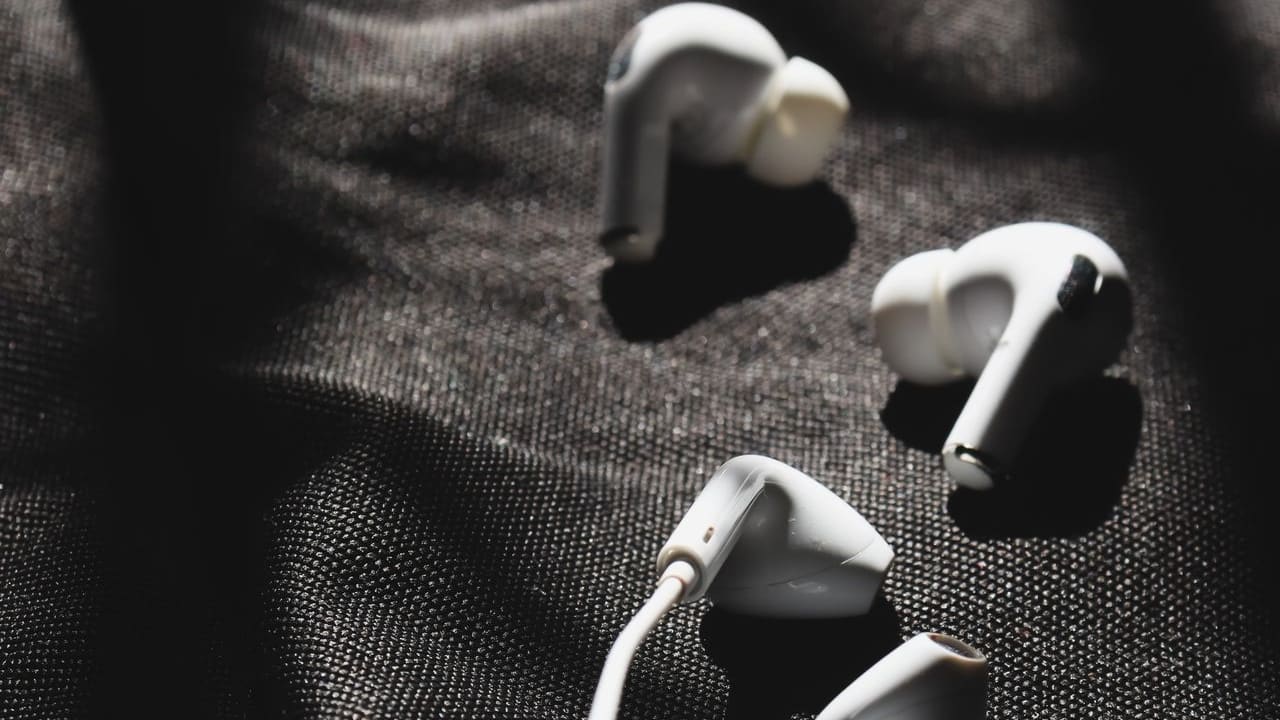
When callers can't hear you on your earbuds or headset, check settings before buying new ones.
1. Make a call without the headset. If it works, the problem is the headset or its connection.
2. Clean the microphone hole on the earbud or cable with a dry soft brush.
3. For Bluetooth, make sure "phone calls" or "call audio" is switched on for the device in Bluetooth settings.
4. Remove other paired devices that may take over the call.
5. For wired headsets, check the plug is pushed all the way in. Thick phone cases can stop it.
6. Some headsets only support music, not the microphone, on certain phones.
Test the headset on another phone to confirm before replacing it.