If the TV shows "no signal" with a laptop connected:
1. Select the right HDMI input on the TV (HDMI 1, 2...).
2. On the laptop, press Windows + P and choose Duplicate or Extend.
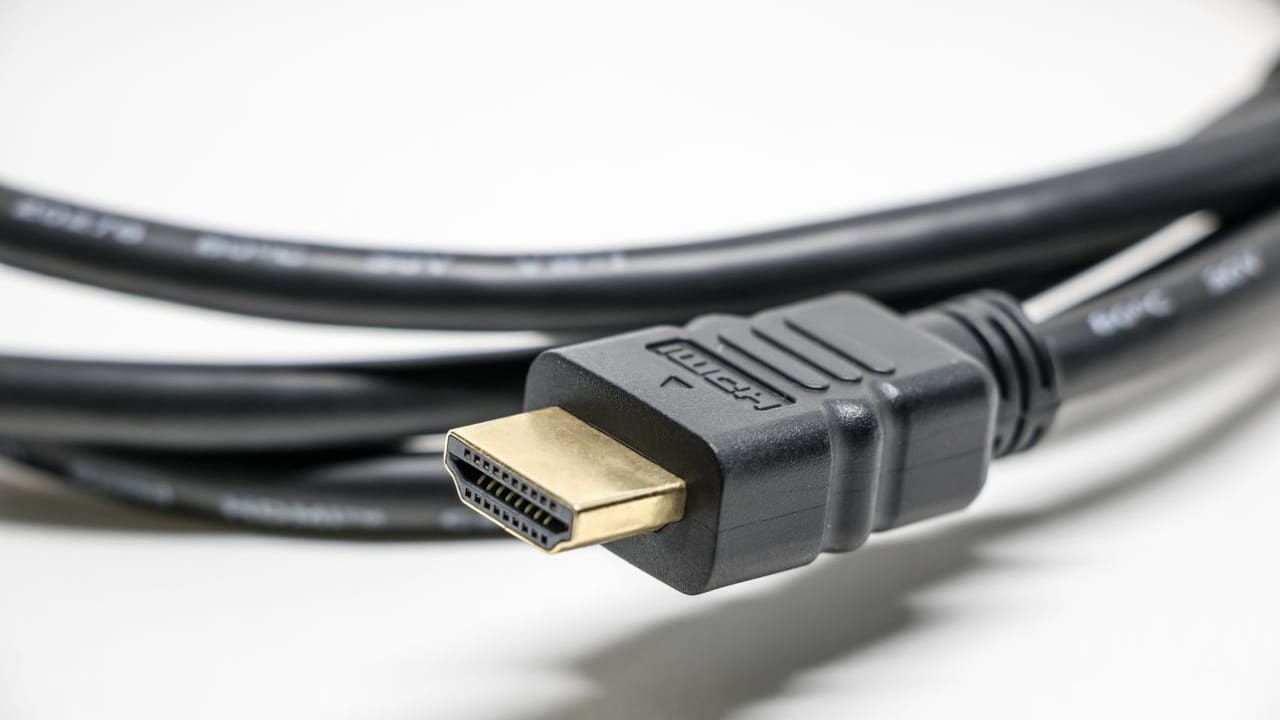
3. Try another HDMI cable and another HDMI port on the TV.
4. Connect the cable before switching the laptop on, or restart with it connected.
5. Update the laptop's graphics driver.
6. Lower the laptop's screen resolution if the TV is older.
If sound plays from the laptop instead of the TV, choose the TV as the sound output.