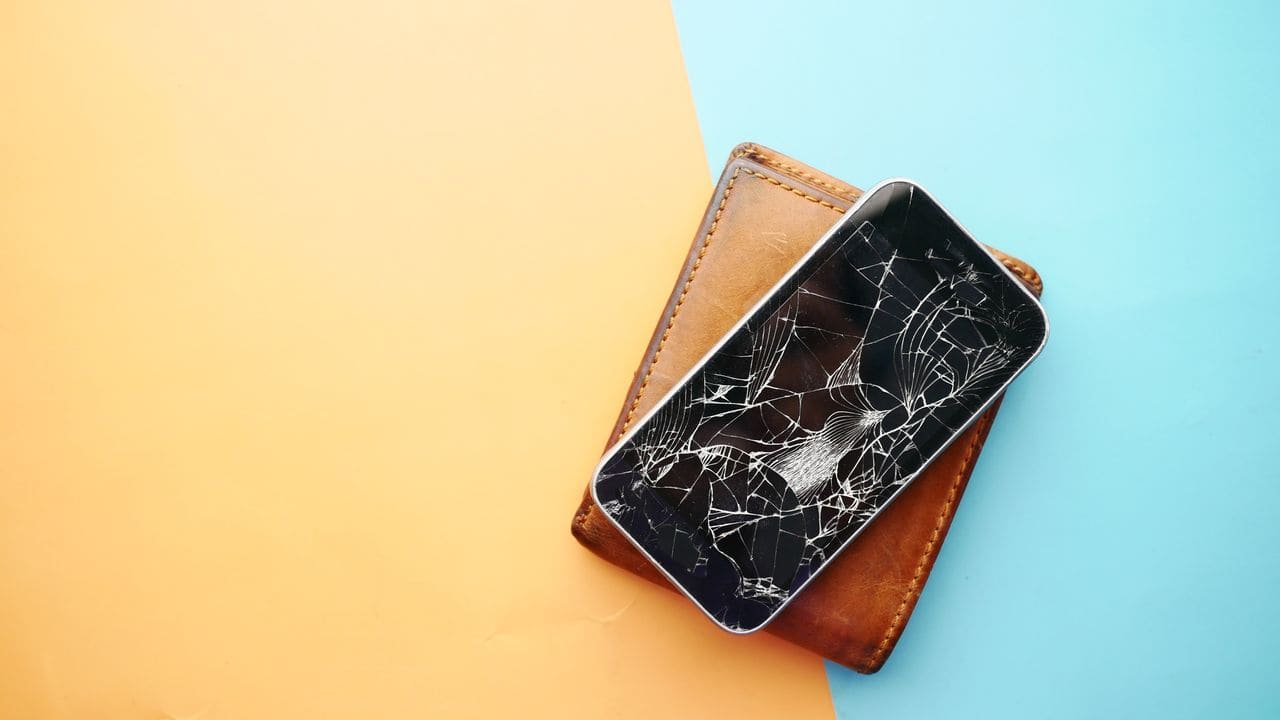
Ghost Touch: Why a Screen Taps Itself and How to Fix It
Tools You'll Need
Screwdriver setIsopropyl alcohol
Ghost touch is when the phone opens apps, types or scrolls by itself.
Try these first:
1. Remove the screen protector and case. A cracked or lifted protector often causes it.
2. Unplug the charger. A poor quality charger can make the touch layer misbehave while charging.
3. Clean the screen and dry your hands. Water drops cause false touches.
4. Restart and update the phone.
If it still happens:
1. If the screen was recently replaced, the new screen may be low quality or was pressed too hard by a bent frame.
2. Open the phone and check the display connector for dirt or corrosion.
3. Check for a swollen battery pushing against the screen from behind.
4. If none of these, replace the screen with a better quality one.
Ghost touch that appears after a drop or water usually means the screen is damaged.