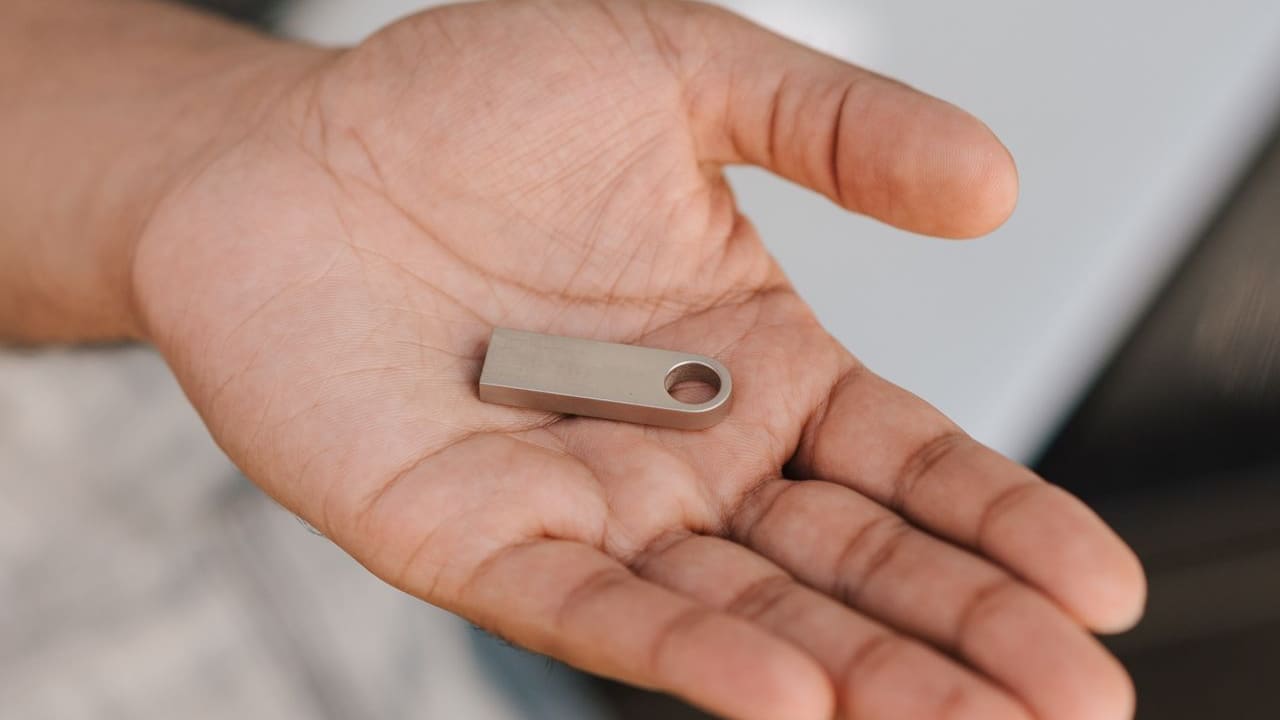
If a flash drive doesn't appear:
1. Try another USB port, preferably directly on the computer, not a hub.
2. Try another computer.
3. Open Disk Management. If the drive shows there without a letter, assign one.
4. If it shows as "unallocated" or "RAW", the files may be damaged. Use recovery software before formatting if the files matter.
5. Update USB drivers in Device Manager.
6. If no computer detects it at all, the drive is likely dead.
Always eject a flash drive before pulling it out.