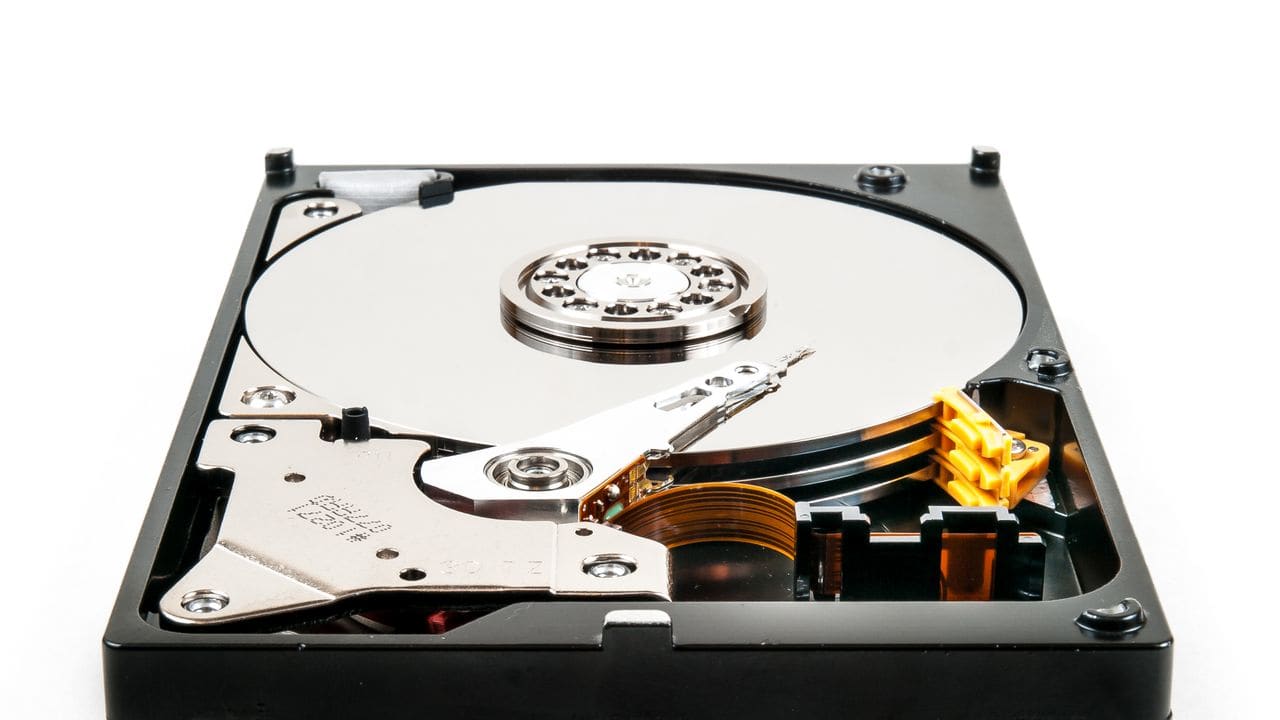
Hard drives often give warnings before they die. Back up as soon as you notice them.
Warning signs:
1. Clicking, grinding or beeping sounds from the laptop.
2. Very slow startup and files that take long to open.
3. Freezing, then the drive light staying on.
4. Errors about disk or "repairing drive" at startup.
5. A drive health tool shows bad sectors or "caution".
What to do:
1. Copy the most important files first, not the whole drive.
2. Avoid running long repair scans on a dying drive.
3. Replace it with an SSD (see our SSD upgrade tip).
If the drive is clicking and the files are very important, stop using it and get professional data recovery.