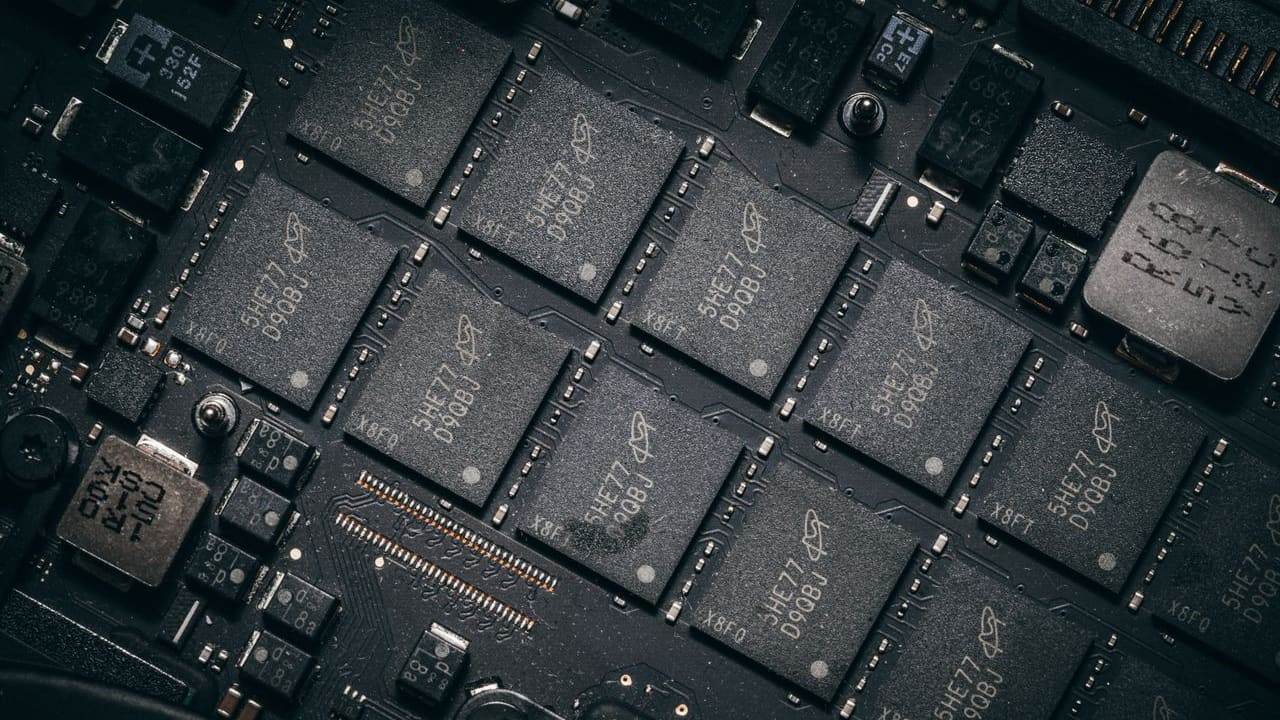
eMMC and UFS Storage Chips: What Technicians Should Know
Tools You'll Need
Flashing box with eMMC/UFS supportHot air station
The storage chip holds the phone's software and the owner's data. Knowing its type helps with diagnosis.
eMMC: older and budget phones. Slower. Many service tools can read and write it directly through test points (ISP).
UFS: newer and faster phones. Needs tools that support UFS, and is harder to work on.
Signs of a failing storage chip:
1. Boot loops that return after flashing.
2. Very slow phone even after a reset.
3. Flashing fails at the same point every time.
4. Errors about storage or "corrupt data" at startup.
Important:
1. On modern phones, data is encrypted and tied to the original CPU. Moving a storage chip to another board usually does not recover the data.
2. Replacing a storage chip needs the right firmware written to it afterwards.
Only work on phones whose owner has given permission, and keep customer data private.