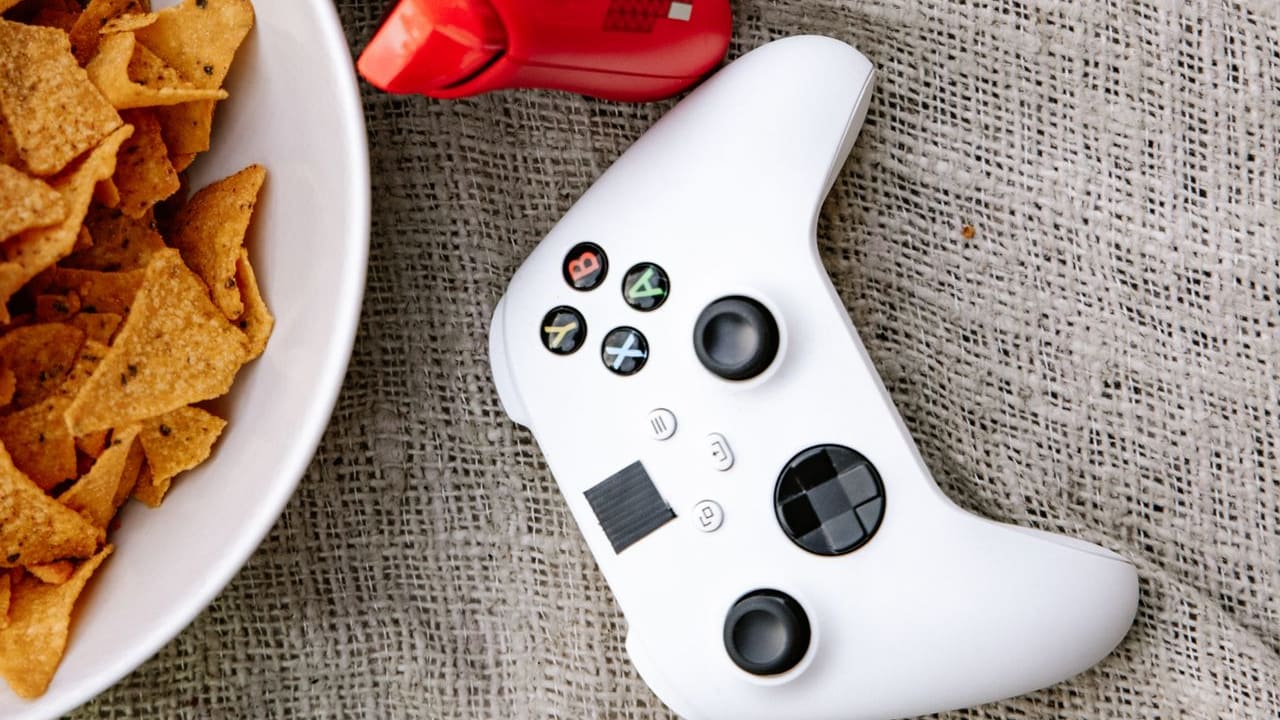
When a wireless game controller won't connect:
1. Charge it fully with a cable.
2. Connect it once with the USB cable to pair it, then unplug.
3. Remove it from the console, phone or PC Bluetooth list and pair it again.
4. Reset the controller (many have a small reset hole on the back).
5. Turn off other paired devices nearby that may grab the connection.
6. Update the console or PC and the controller.
If it works only on a cable, its Bluetooth or battery may be faulty.