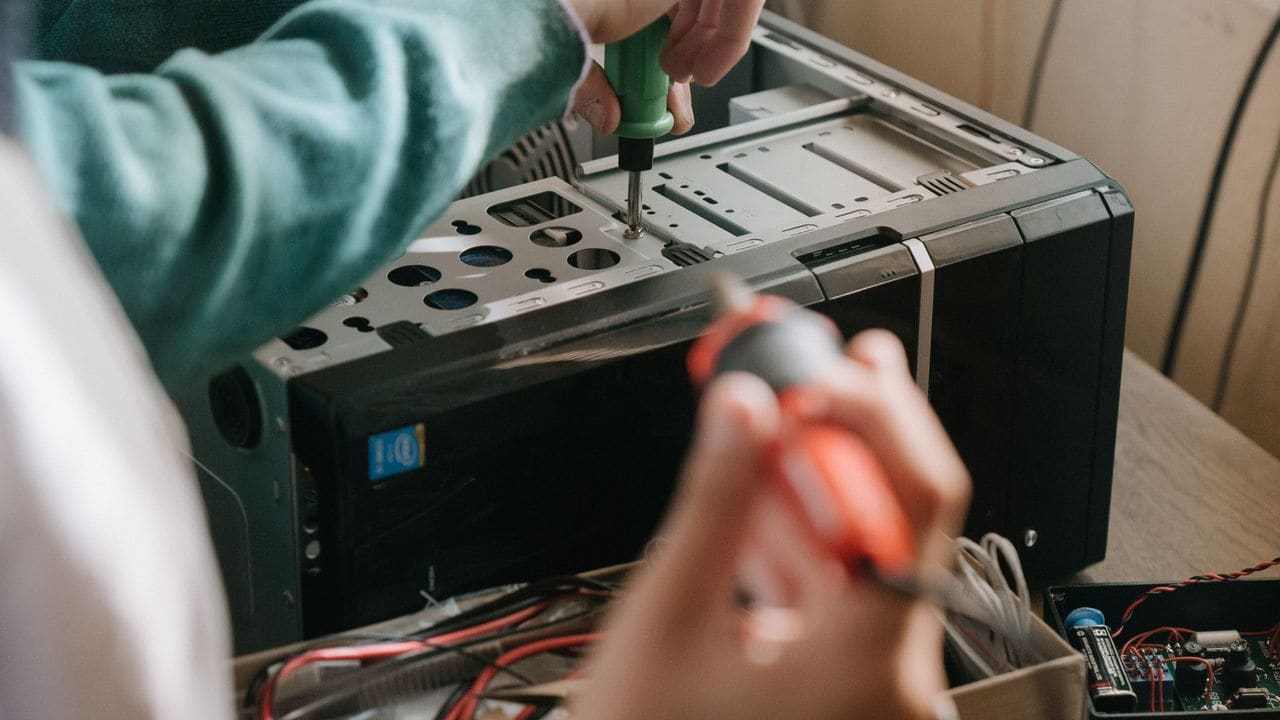
Broken Laptop Hinge: Fix It Before the Screen Cracks
Tools You'll Need
Screwdriver setEpoxy or hinge mountReplacement hinges
A stiff or loose hinge slowly breaks the screws' mounts in the plastic case, and then the screen panel cracks.
Signs:
1. The screen wobbles or won't stay open.
2. A gap opens near the hinge when you open the lid.
3. Clicking or cracking sounds when opening.
Fixing it:
1. Stop opening the laptop from one corner. Open it from the middle.
2. Open the case and check the hinge screws and their brass mounts.
3. Tighten loose screws, or rebuild broken mounts with strong epoxy or a replacement mount.
4. Replace hinges that are seized or bent.
5. Check the screen cable isn't pinched or torn.
Fixing a hinge early is much cheaper than a new screen and case.