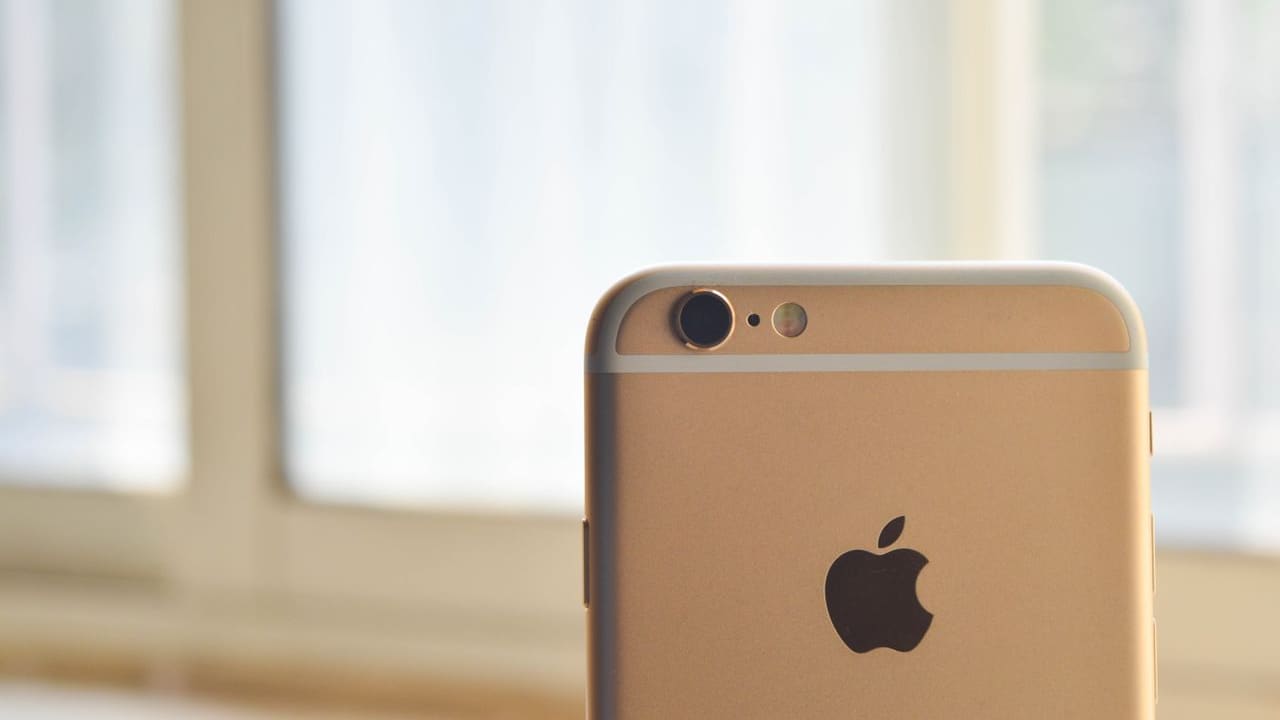
Blurry Back Camera: Lens Glass, Dust or a Bad Module?
Tools You'll Need
Microfibre clothScrewdriver set
A blurry camera is not always a broken camera.
1. Wipe the camera glass with a microfibre cloth. Fingerprints are the most common cause.
2. Check the outer lens glass for cracks or scratches. A cracked lens cover gives haze and glare. It is cheap to replace.
3. Look for dust inside the lens cover. Dust gets in through a cracked lens glass.
4. Tap the screen to focus on something close and far. If the camera can't focus at all, or you hear a buzzing click, the autofocus is damaged (often from a drop).
5. Try another camera app to rule out software.
6. Replace the camera module if focus or stabilisation is broken.
On many phones, replacing only the lens glass fixes the problem for a small price.