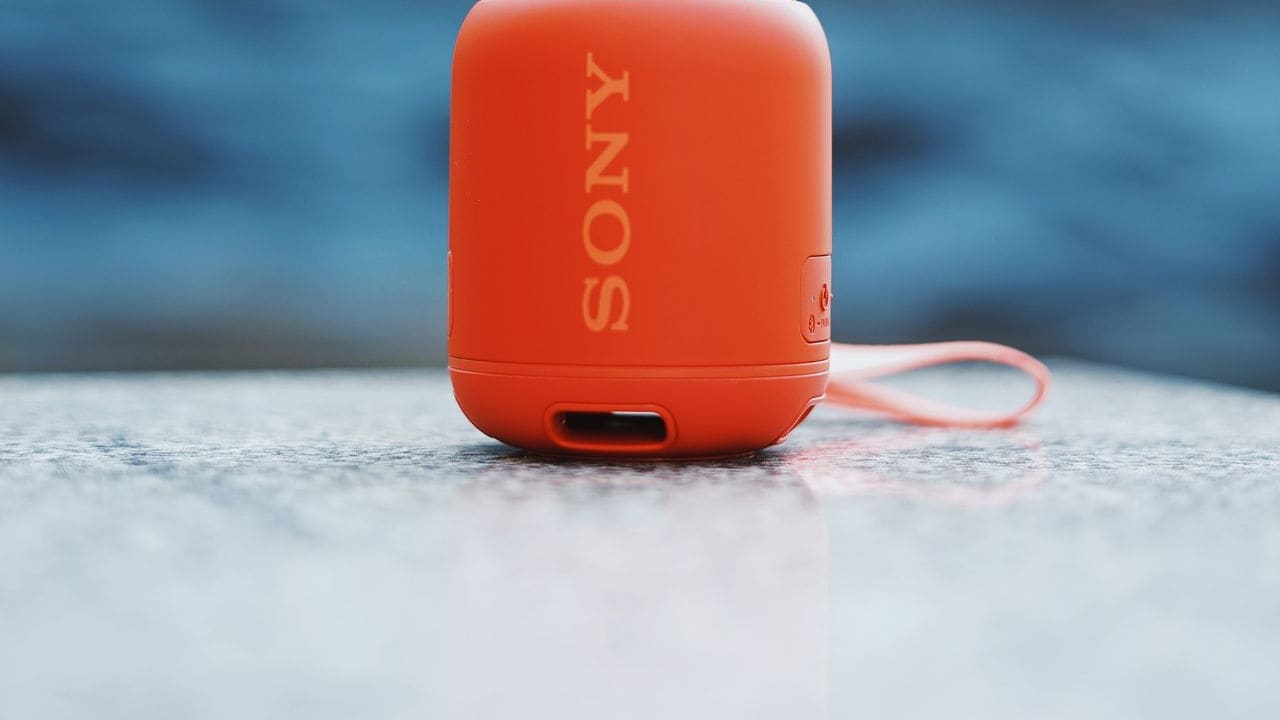
When a speaker won't charge, start with the cable and port.
1. Try another cable and a 5V wall charger. Some speakers don't charge from fast chargers or laptops.
2. Clean the charging port gently with a wooden toothpick.
3. Many speakers have a rubber flap over the port. Make sure it isn't blocking the plug.
4. Leave a fully flat speaker charging for an hour before giving up.
5. If the charging light flashes in an odd pattern, check the manual: it may be a battery warning.
6. A loose or wobbly port needs replacing. A battery that won't hold charge needs replacing too.
Most speakers can be opened, and their batteries and ports replaced, by a technician.