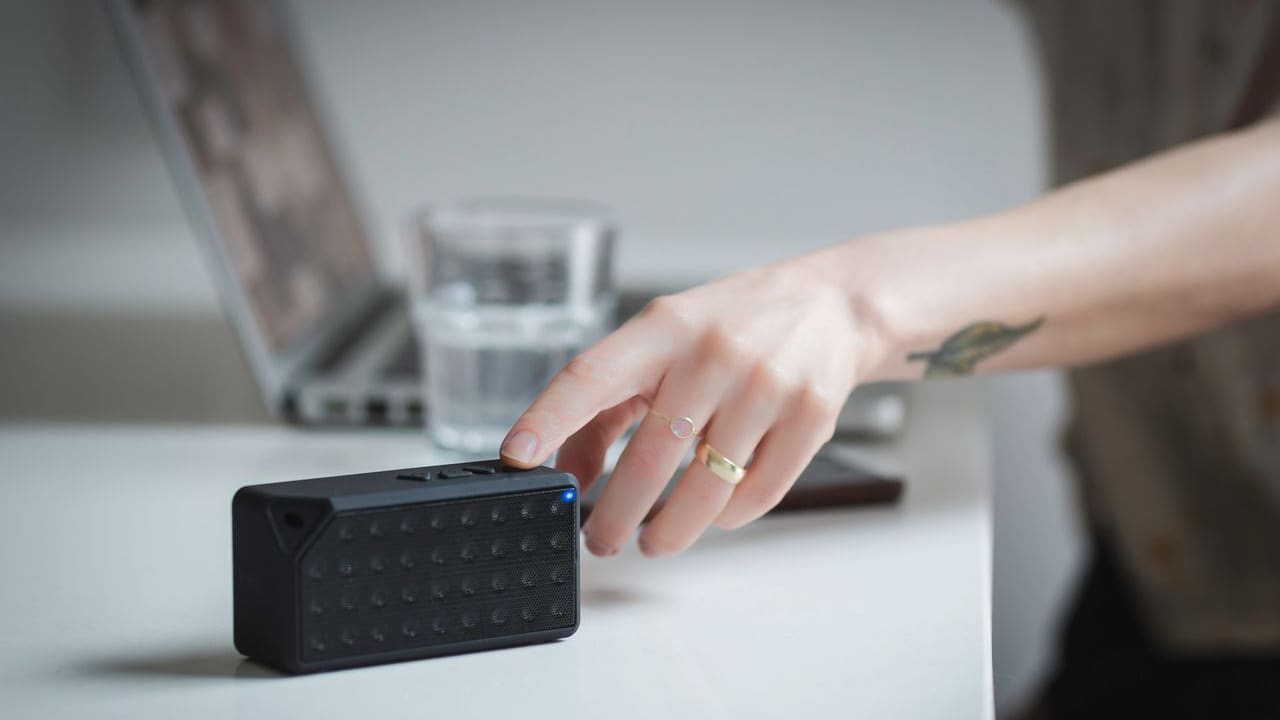
Many speakers have a microphone for hands free calls.
1. Check the speaker has a microphone (look for a small hole or a call button).
2. In Bluetooth settings on the phone, turn on "phone calls" for the speaker.
3. Speak towards the speaker from close by.
4. Lower the volume a little to avoid echo for the caller.
5. If callers hear an echo or you can't be heard, switch the call back to the phone.
Speakers without a microphone will play the caller, but the phone's own microphone picks up your voice.