If the phone rings, vibrates or connects to a computer but the screen stays black, the phone is alive and the fault is in the display path.
1. Call the phone or plug it into a laptop to confirm it is on.
2. Shine a torch at an angle on the screen. If you can faintly see icons, the backlight has failed (common on LCD phones).
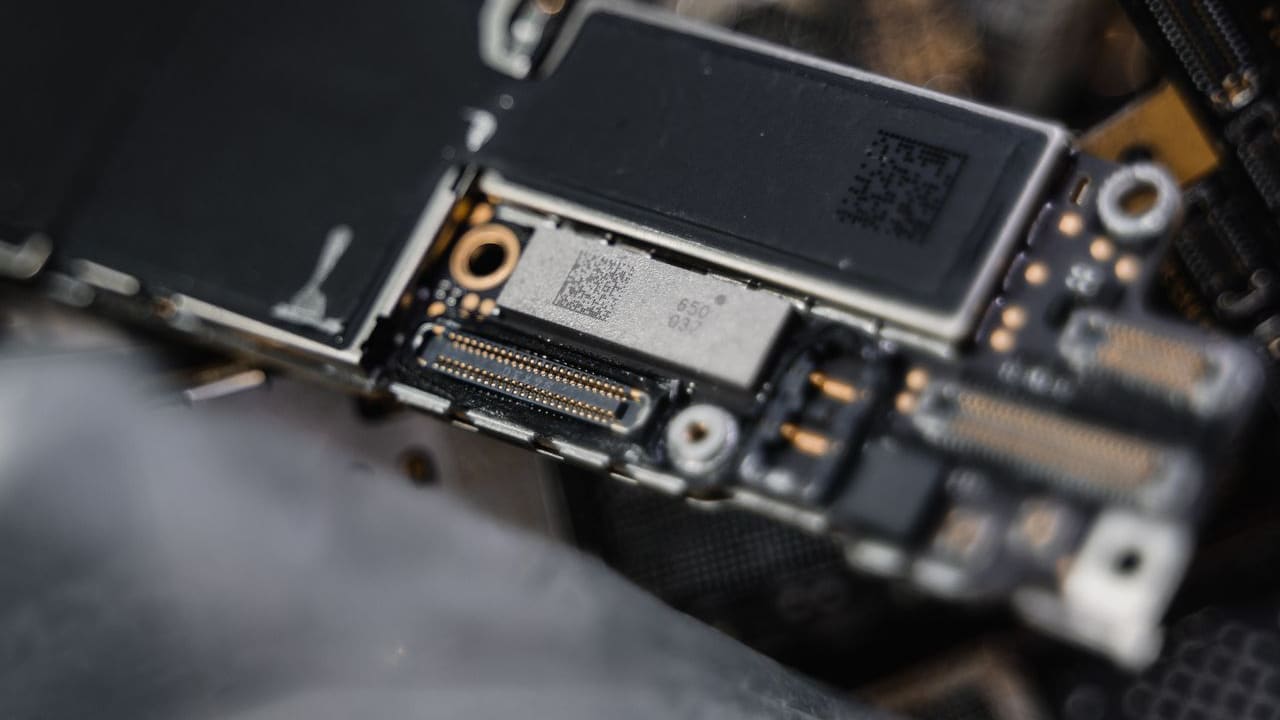
3. Open the phone, disconnect the battery and reseat the display connector.
4. Clean the connector with isopropyl alcohol and a soft brush if you see dirt or green corrosion.
5. Test with a known good screen. If a good screen works, replace the screen.
6. If a good screen also stays black, the fault is on the board (display connector, filter or backlight circuit), which needs a board technician.
Always disconnect the battery before reseating any connector to avoid blowing filters on the board.