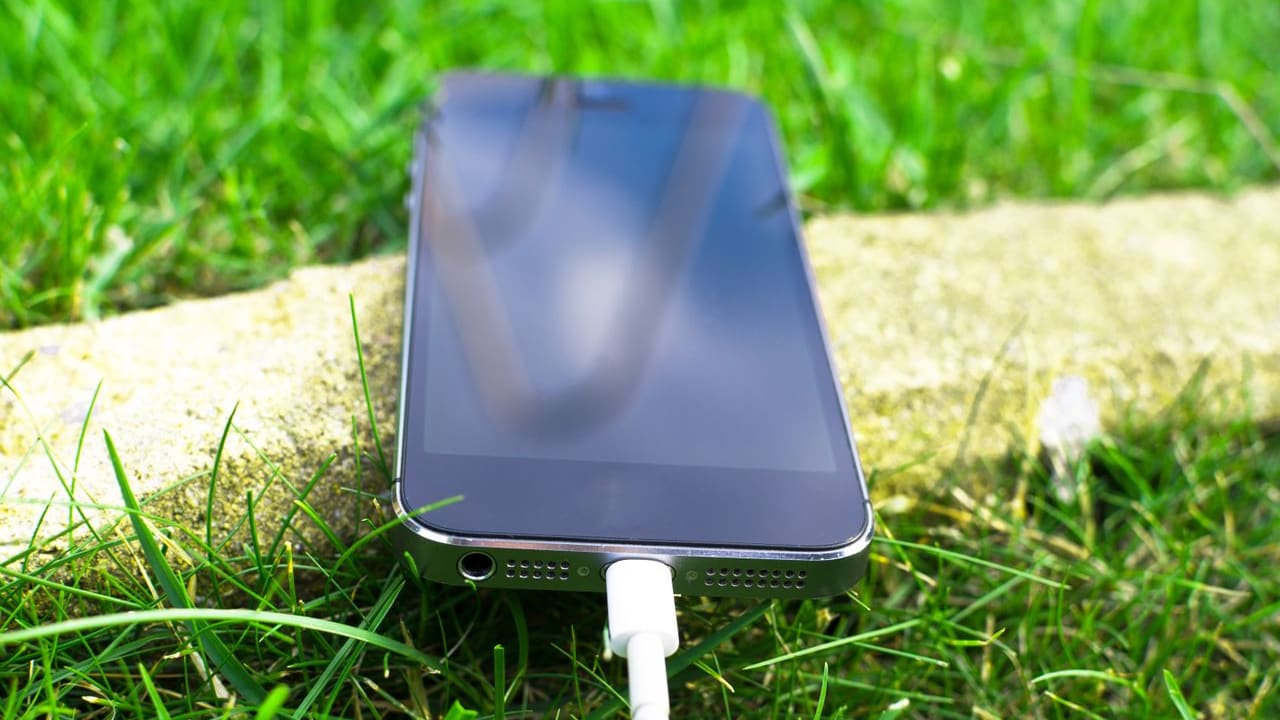
A phone that stops at 80% or 85% is often protecting its battery on purpose.
1. iPhone: Settings, Battery, Charging. Look for an 80% limit or Optimised Charging.
2. Samsung: Settings, Battery, More battery settings, Protect battery.
3. Other Android: search settings for "battery protection", "smart charging" or "charge limit".
4. Some phones pause at 80% overnight and finish to 100% just before your alarm.
If the setting is off and it still stops early:
1. Try another charger and cable.
2. Restart the phone.
3. Check if the phone is hot. Many phones slow or stop charging when warm.
4. If the battery is old, it may be worn. Check battery health.
Leaving the 80% limit on is good for battery life if your day fits within it.